Originally Released on 4/29/26; Re-released on 8/26/26
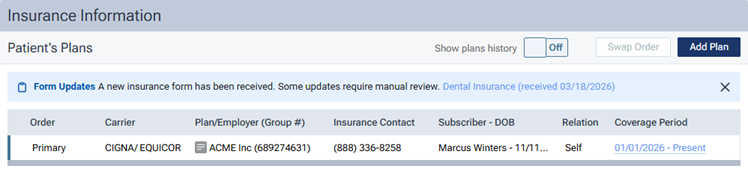
After a patient has provided subscriber and insurance information on an online form, with that patient selected in Dentrix Ascend, the insurance icon on the patient ribbon changes from green to blue to indicate that a new patient form with insurance information is available.

Note: To change the icon back to being green, you must dismiss the blue notification on the patient’s Insurance Information page (the blue banner at the top of the page). For more information see the release notes about the “Notification of a New Insurance Plan Form” feature.