
Released 7/22/26
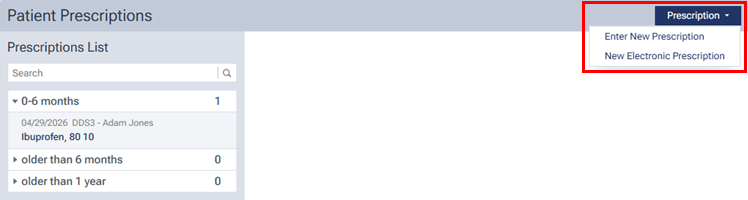
Previously, to start entering a patient’s prescription or electronic prescription, you had to expand the Prescription menu and then select Enter New Prescription or New Electronic Prescription.
To reduce the number of steps it takes to start entering a patient’s prescription, you now only click a button: Enter New Prescription or New Electronic Prescription.
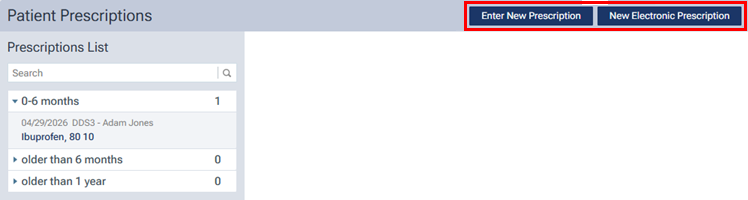
Note: The New Electronic Prescription button is available only if ePrescribe is enabled (similar to how the menu option was available only if ePrescribe was enabled).