
Released 6/11/26
With Dentrix Ascend Eligibility Essentials and Pro, after an eligibility verification, you can import insurance information for a patient’s insurance plan.
With this release, you can now edit the coverage % and deductible type for procedure code ranges in the coverage table to be imported before you perform the import.
To change coverage details while reviewing the coverage table to be imported
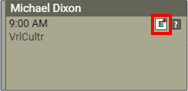
1. For an appointment tile on the Calendar page, if data are available for importing, the “E” icon is a green E with red dot on a white background. Click (or tap) the “E” icon.
The Import Insurance Benefit Details page opens.
2. From the Choose Network Plan list, select the type of plan that corresponds to the correct network status (such as in-network or out-of-network).
3. Select Coverages on the left to review the coverage table.
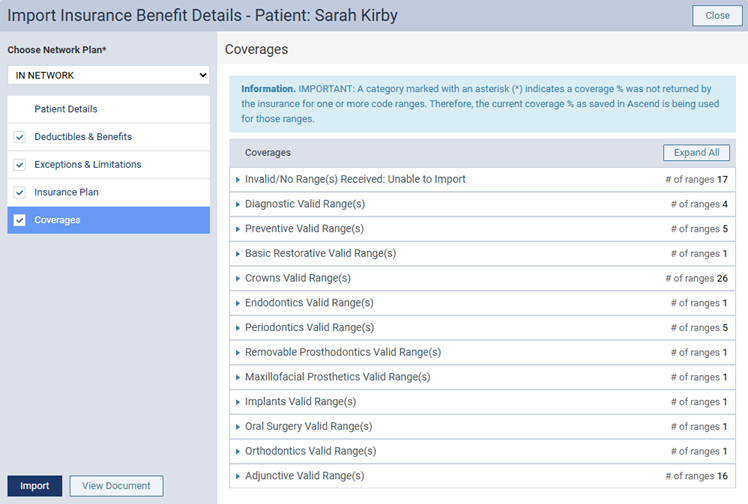
4. To view the ranges for a category, click that category to expand it. For each range, the starting and ending codes, category, deductible type, and coverage percentage appear.
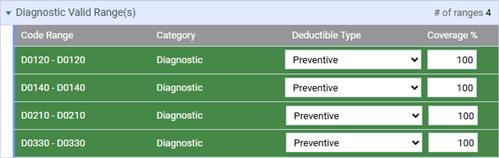
5. For any range, change any of the following as needed:
- Deductible Type (select the correct type from the list).
- Coverage % (enter a number from 0 to 100 in the box).