Released 5/20/26
You can now assign multiple billing types to a guarantor in Dentrix Ascend.
On a guarantor’s Patient Information page, the following changes have been implemented for the Billing Type:
- The billing type is now required.
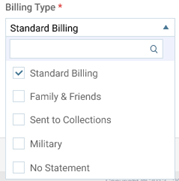
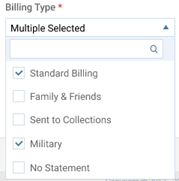
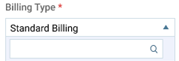
- On the list, there is a checkbox next to each billing type. Select the checkbox of each billing type that you want to assign to the patient.
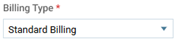
- If one billing type is selected, the name of the type appears.
- If multiple billing types are selected, “Multiple Selected” appears.
- If one billing type is selected, the name of the type appears.
- If the list of available billing types is long, you can use the search box at the top of the list to quickly search for a billing type.
Note: On a dependent’s Patient Information page, the Billing Type is read-only.
- If one billing type is selected, the name of the type appears.
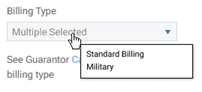
- If multiple billing types are selected, “Multiple Selected” appears. To view the names of all the selected billing types, position your pointer over the box.