EARLY ACCESS ONLY
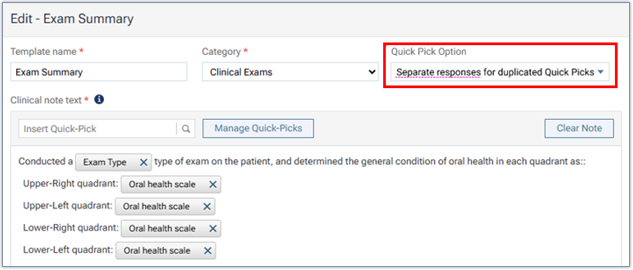
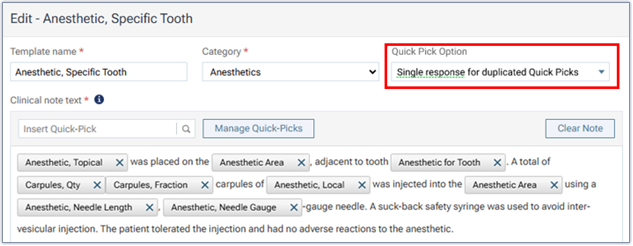
When a quick-pick is used multiple times in a clinical note template, there is a new option for that template that allows you to choose how to handle duplicate quick-picks when you use that template.
While you are creating or editing a clinical note template, from the new Quick Pick Option list, select one of the following options:
- Separate responses for duplicated Quick Picks – The system prompts you to provide a response for each instance of that quick-pick in the template separately.
Note: This option is selected by default to preserve the existing functionality.
- Single response for duplicated Quick Picks – The system prompts you to provide a response for that quick-pick once and have that response applied to all instances of that quick-pick in the template.