Released 8/20/26
You can now preview Dentrix Ascend Imaging images, perio exams, document manager images, and/or document manager documents that are attached to a claim so you can review those attachments without having to navigate away from the claim window.
To preview an attachment
1. Click a claim (with attachments) on a patient’s ledger.
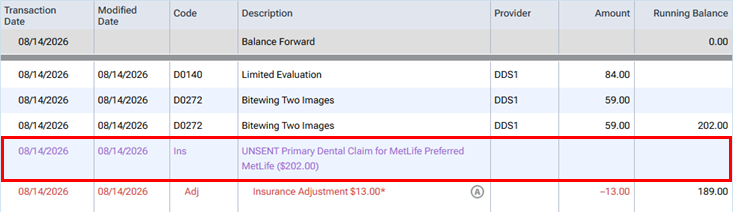
The Claim Detail dialog box appears.
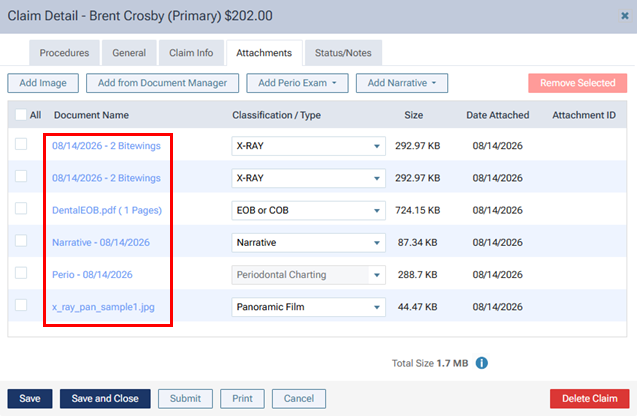
2. Select the Attachments tab.
3. In the Document Name column, click the name of an attachment (which is now a link).
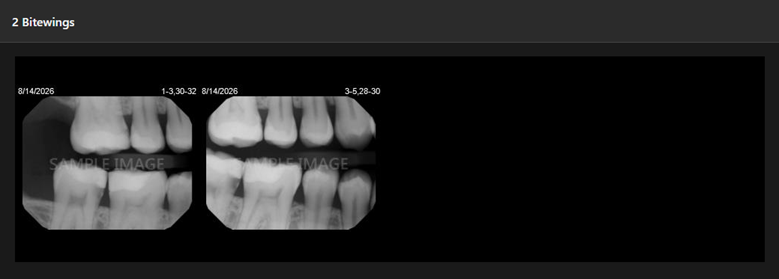
The attachment appears on a new browser tab.
- Dentrix Ascend imaging images:
- Perio exam:
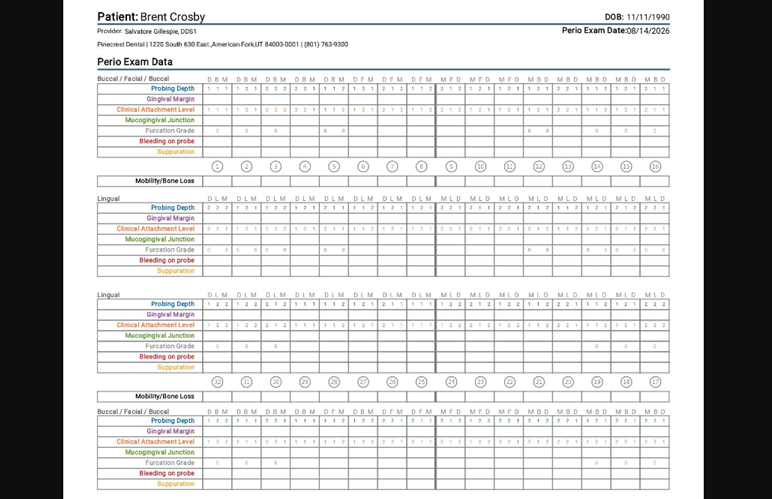
- Document manager JPG/JPEG image:
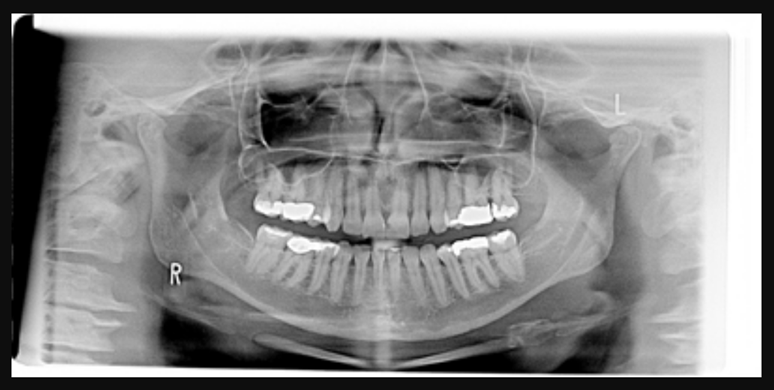
- Document manager PDF document:
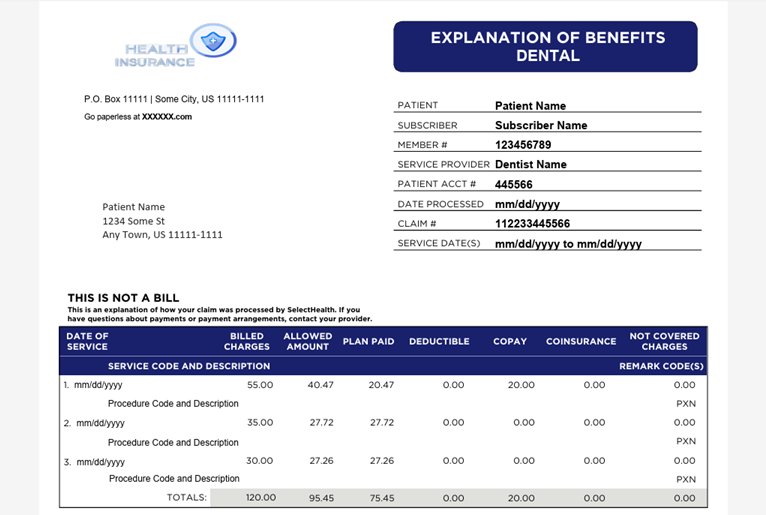
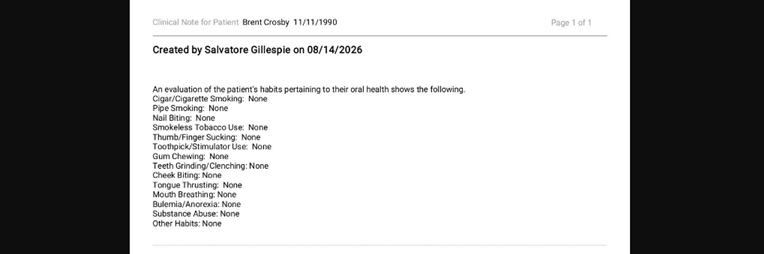
Note: The ability to preview an attached narrative (clinical note) existed previously.