Released 1/19/26
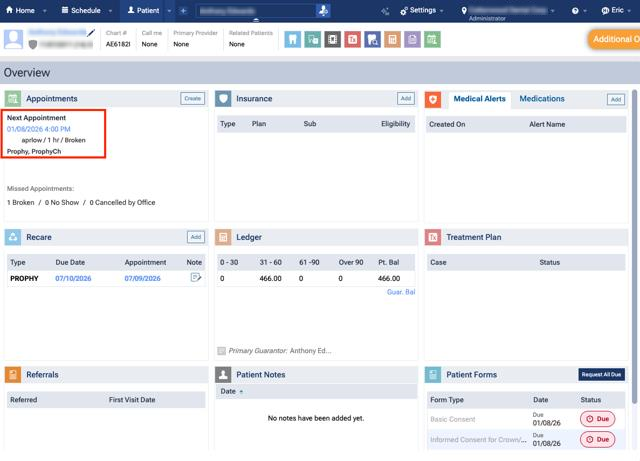
On the Appointments box on a patient’s Overview page (go to Patient > Overview), an appointment with a “Broken”, “No Show”, or “Canceled by Office” status will no longer appear as the patient’s Next Appointment.
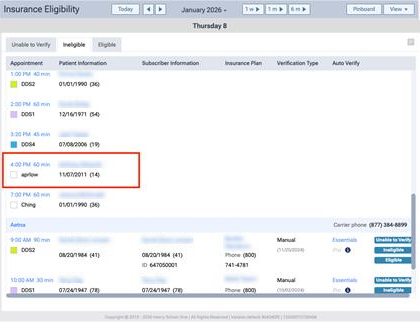
Also, on the Insurance Eligibility page (go to Schedule > Insurance Eligibility), an appointment with a “Broken”, “No Show”, or “Canceled by Office” status will no longer appear.