
Released 1/8/26
The placement date is no longer required for an orthodontic procedure, so you can create predeterminations that include orthodontic procedures without specifying placement dates.
Note: This functionality is applicable only for a procedure with a “Tx Plan” status.
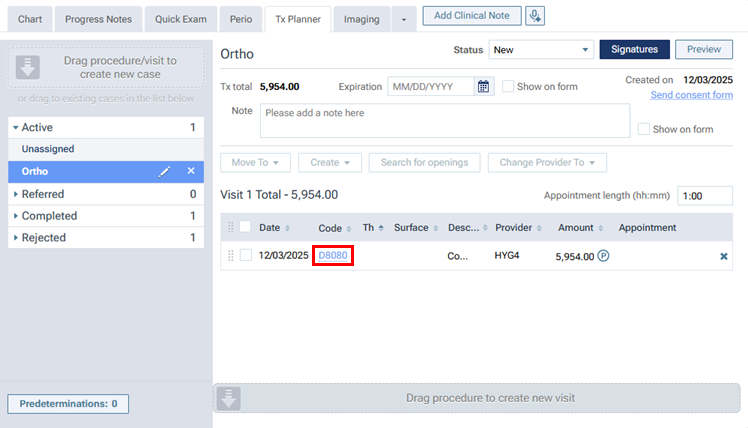
1. To edit a planned orthodontic procedure, on the Tx Planner tab of a patient’s clinical record, click the link in the Code column.
2. In the Edit Procedure dialog box, on the Options tab, under Orthodontic Treatment, select the Orthodontic treatment checkbox.

Now, you do not have to specify a Placement date.
Notes:
- If you do specify a Placement date, it can be a past date, today’s date, or a future date.
- As in previous versions, the Months remaining is required.
3. Without specifying the placement date, enter the number of months remaining, and then click Save.
4. Create the predetermination.