
EARLY ACCESS ONLY
A new security right allows a user to change the amount for an individual, treatment-planned procedure. This new right is named “Update Tx Plan amounts per procedure” (in the “Tx Planning” category”).
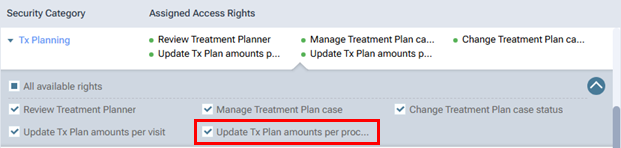
Note: As in previous versions, with the “Update Tx Plan amounts per visit” right, you can control the updating of all planned procedures in a visit of a treatment plan case.
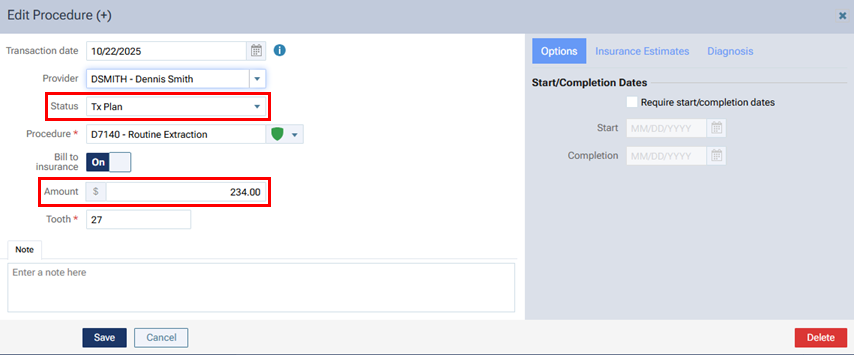
if you change the Amount for a procedure with a “Tx Plan” Status, and then click Save, one of the following occurs according to your access:
- With the “Update Tx Plan amounts per procedure” right granted, the change is saved.
- With the “Update Tx Plan amounts per procedure” right not granted, an Access Denied message appears. You cannot save the change.
Note: This restriction for saving a change to the amount applies not only to changing the amount directly but also to changing the amount by clicking the Update to [amount] link.
