
Released 9/3/25
The first step toward implementing enhanced security and MFA (multi-factor authentication) for Dentrix Ascend is a change to the login.
Note: If the enhanced security login and MFA has been enabled, the login will be different from what is depicted below.
To log in
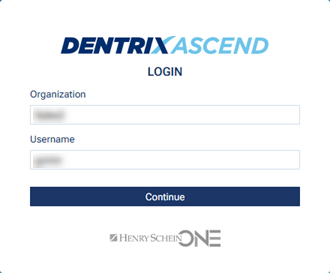
1. Enter your Organization and Username, and then click Continue.
The login page changes.
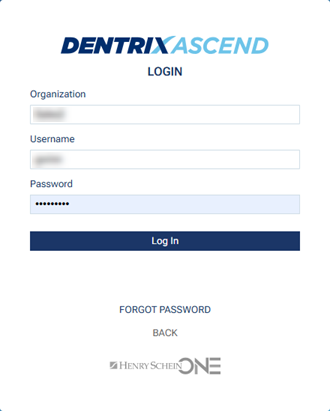
2. Enter your Password, and then click Log In.