
Released 10/22/25
You can now delete referral sources.
Note: You can delete a referral source only if it is not associated with any patient records.
New security right: Deleting a referral source requires the “Delete Referral Sources” security right (in the “Settings” category).
To delete a referral source
1. On the Settings menu, select Referral Sources.
The Referral Sources page opens.
2. Select a referral source.
The options for the referral source appear.
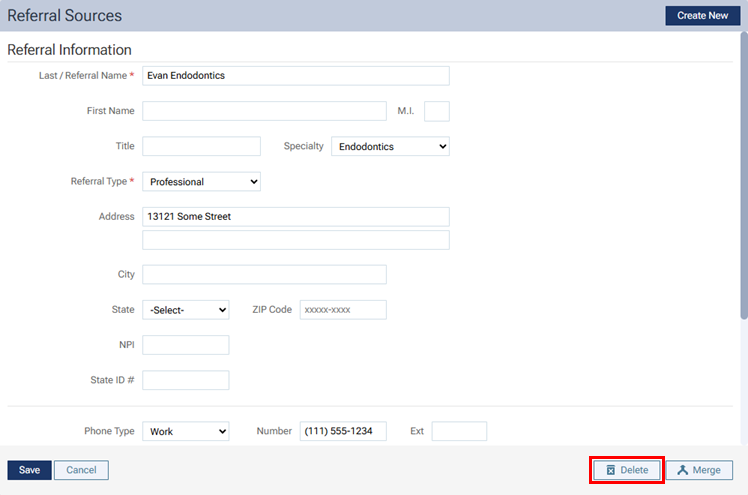
3. Click Delete.
4. On the confirmation message that appears, click Delete.