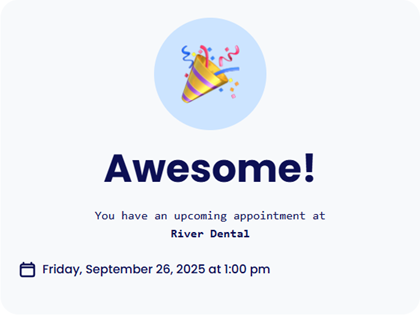
Released 10/1/25
After a patient completes online forms prior to his/her appointment, the message that appears now includes the location and the date and time of the patient’s upcoming appointment.
This occurs only in the following scenarios
- An automated appointment reminder is sent to the patient with an upcoming appointment. The patient clicks the link to complete online forms and then completes and submits the forms.
- From the Appointment Information panel of the patient’s upcoming appointment, a request to complete online forms is sent to the patient. The patient clicks the link to complete online forms and then completes and submits the forms.
Example
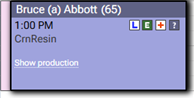
1. Select an appointment.
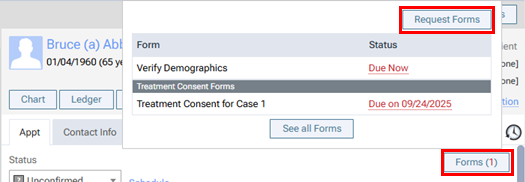
2. On the Appointment Information panel, click Forms, and then Request Forms.
3. Send the request via text or email.
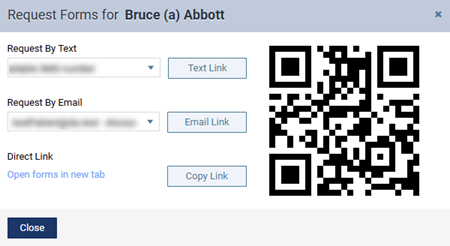
The patient forms portal opens.
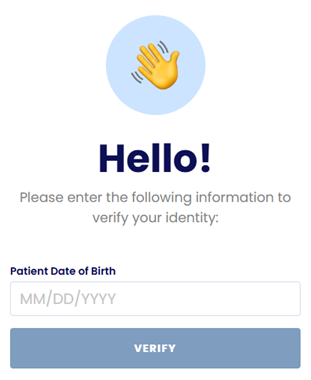
4. The patient enters a birth date or one-time passcode and then clicks Verify.
The welcome page appears.
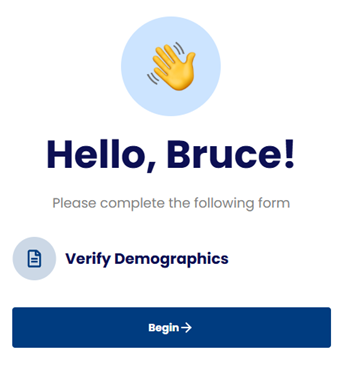
5. The patient clicks Begin.
6. The patient completes the online form.
A message appears. The location and the date and time of the patient’s next appointment appear.